Can You Download YouTube Videos Without Premium?
Yes. YouTube Premium lets you watch videos offline inside the YouTube app, but it does not give you an MP4 file you can move, share, or edit. ClipSaver downloads public videos for free in your browser — no monthly fee, no credit card, and no Premium subscription.
Only download content you own or have permission to save. ClipSaver is not affiliated with YouTube or Google.
How to Download Without Premium Using ClipSaver
- 1
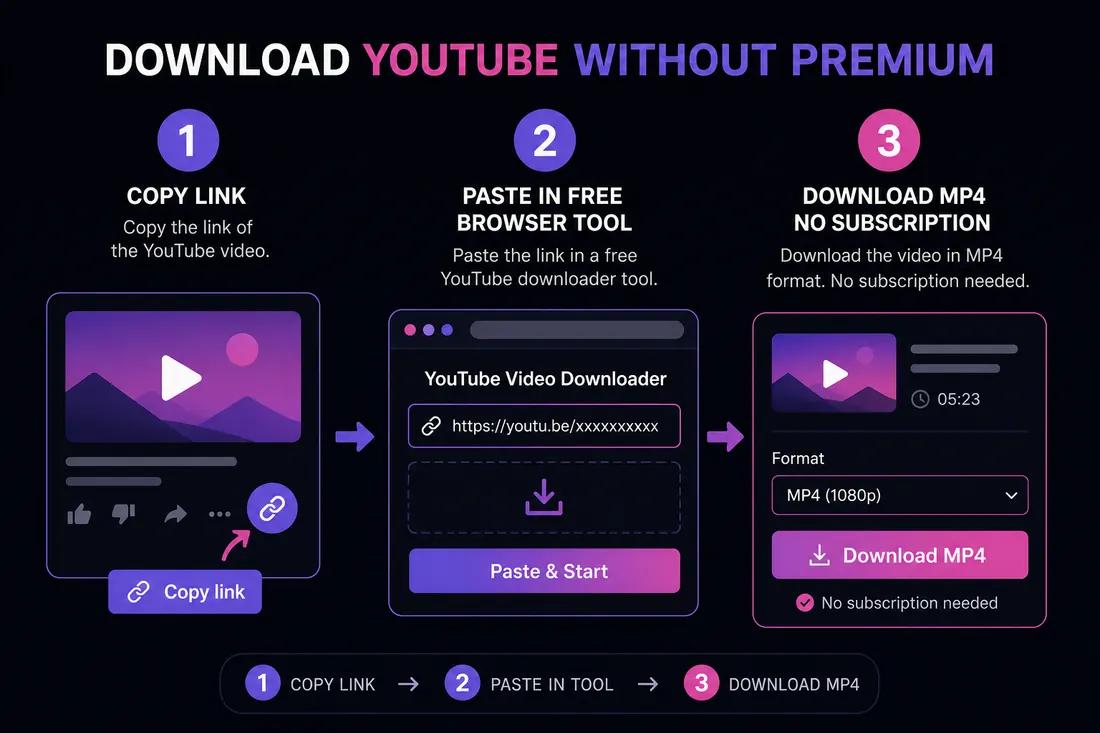
Copy the YouTube video link
Open the video in the YouTube app or on youtube.com. Tap Share → Copy link on mobile, or copy the URL from your browser’s address bar on desktop.
- 2
Open ClipSaver in your browser
Go to ClipSaver’s YouTube video downloader on iPhone, Android, Windows, or Mac. No Premium account or app install is needed.
- 3
Paste the URL and download
Paste the link, click Download, choose MP4 for video or MP3 for audio, and save the file to your device.
Download without Premium now
Paste your YouTube link on ClipSaver — free, no subscription required.
Open YouTube Video DownloaderPremium Offline vs Free Download
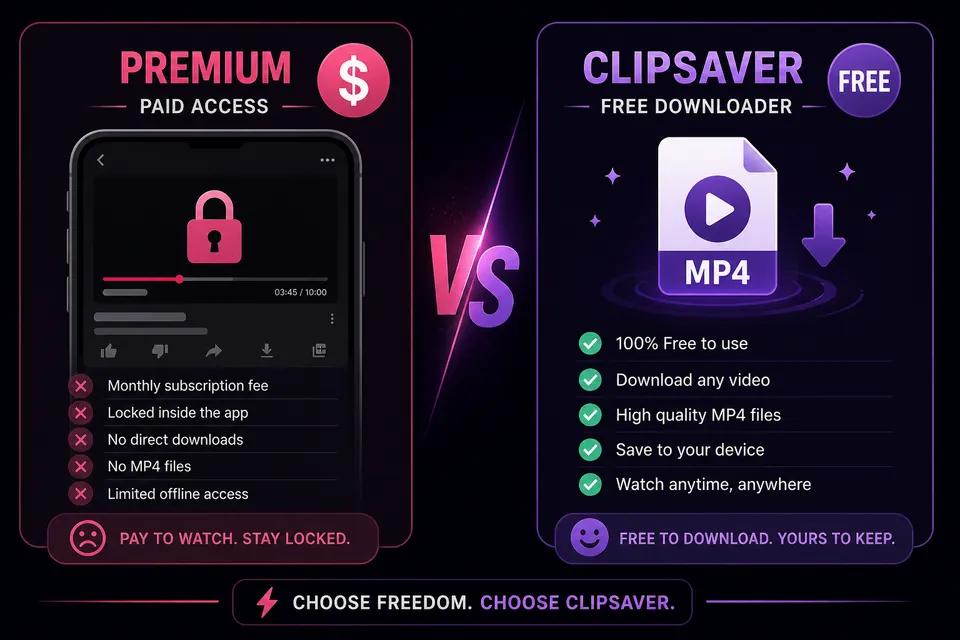
YouTube Premium offline viewing keeps videos locked inside the YouTube app. They expire, cannot be shared as files, and disappear if you cancel Premium. A free download through ClipSaver gives you an actual MP4 or MP3 stored on your device.
YouTube Premium vs ClipSaver
| Feature | YouTube Premium | ClipSaver (free) |
|---|---|---|
| Monthly cost | Paid subscription | Free |
| Real MP4/MP3 file | No — in-app only | Yes |
| Works outside YouTube app | No | Yes — any browser |
| Cancel anytime, keep files | No — offline expires | Yes — you own the file |
| Account required | Yes | No |
What You Can Download Without Premium
- Regular YouTube videos — tutorials, vlogs, lectures, and clips.
- YouTube Shorts — copy the Shorts link the same way as a long video.
- Music and podcasts — choose MP3 to save audio only and reduce file size.
- Public content only — private, members-only, or age-gated videos may not be available.
Tips for Free YouTube Downloads
- Use the official Share → Copy link option for the correct URL.
- Pick 720p if you want smaller files; 1080p when quality matters most.
- On iPhone, save MP4s to Photos via Files → Share → Save Video.
- Avoid shady “YouTube downloader” apps — a browser tool is safer and needs no install.
For Shorts, use our YouTube Shorts downloader for vertical clips, or read how to save a video from YouTube for a general save guide.
Frequently Asked Questions
Related download tools
ClipSaver is not affiliated with Instagram or Meta. Only download content you have the right to save.