Is yt-dlp Safe to Use?
Yes — yt-dlp is widely trusted open-source software maintained on GitHub. Millions of developers and power users rely on it. It is not malware. However, “safe” also depends on where you download it, what commands you run, and whether you only save content you are allowed to download.
ClipSaver is not affiliated with yt-dlp. This guide explains the real risks and when a browser-based downloader may be a better fit.
What Is yt-dlp?
yt-dlp is a free command-line program — a fork of youtube-dl — that downloads video and audio from YouTube, TikTok, Instagram, and many other platforms. You run it in Terminal (Mac/Linux) or Command Prompt/PowerShell (Windows). It is powerful and flexible, but it is built for technical users, not casual browsers.
Real Safety Concerns with yt-dlp
- Unofficial download sites may bundle yt-dlp with malware — always use the official GitHub releases.
- Copy-pasting commands from random tutorials can run harmful scripts if you do not verify them.
- Outdated versions may break or behave unexpectedly when platforms change their APIs.
- No graphical interface — mistakes in terminal commands can overwrite files or download to wrong folders.
- Copyright and terms-of-service still apply; the tool does not grant download rights.
How to Install yt-dlp Safely
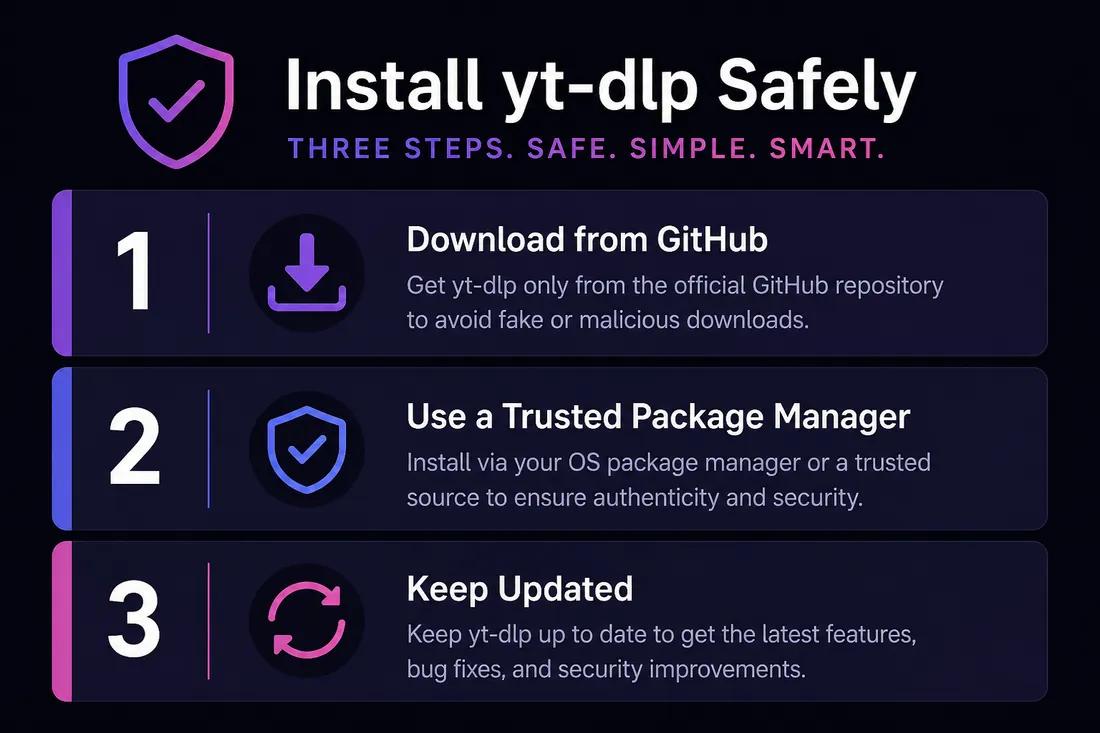
- 1
Download only from GitHub
Get yt-dlp from github.com/yt-dlp/yt-dlp — the official repository. Avoid third-party “yt-dlp installer” sites that may bundle unwanted software.
- 2
Use a trusted package manager
On Mac, Homebrew (`brew install yt-dlp`) and on Windows, winget or pip from a known Python install are common safe paths. Stick to documented install methods.
- 3
Keep it updated
Platforms change frequently. Run `yt-dlp -U` or update through your package manager so downloads keep working.
yt-dlp vs ClipSaver
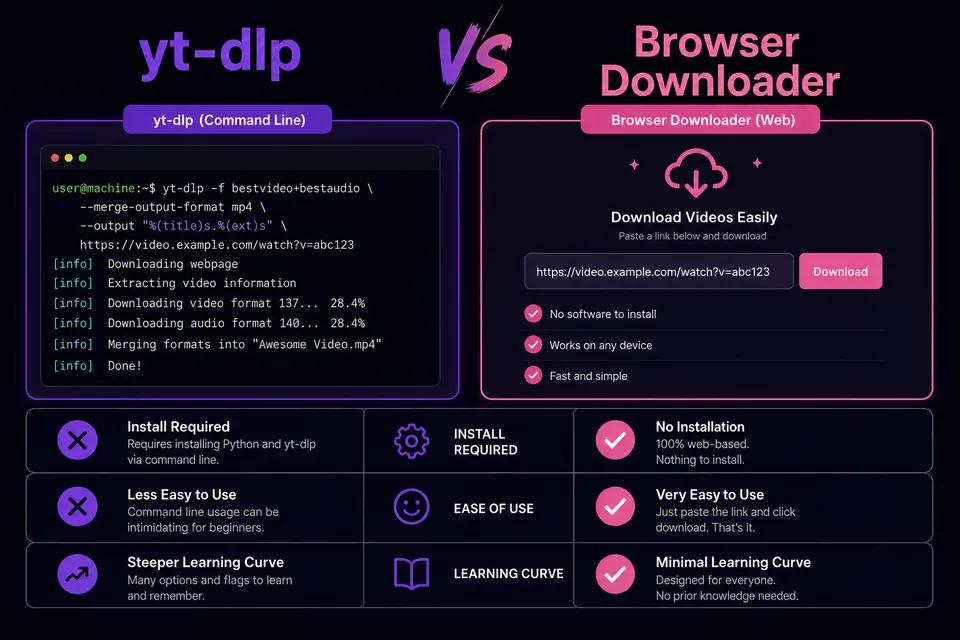
| Feature | yt-dlp | ClipSaver |
|---|---|---|
| Interface | Command line (Terminal) | Browser — paste and click |
| Install required | Yes (Python/Homebrew/etc.) | No |
| Best for | Developers and power users | Anyone with a phone or PC |
| Platforms supported | Hundreds of sites | YouTube, TikTok, Instagram, Facebook, X |
| Learning curve | High | Low |
| Safe when used correctly | Yes — from official source | Yes — no install needed |
Prefer no command line?
Paste any public video link on ClipSaver — free, works in your browser on any device.
Open ClipSaverWho Should Use yt-dlp vs a Browser Tool?
Use yt-dlp if…
- You are comfortable with Terminal or Command Prompt.
- You need automation, scripting, or batch downloads.
- You want fine-grained control over format, codec, and metadata.
Use ClipSaver if…
- You want to download one video quickly without installing anything.
- You are on a phone or shared computer where CLI tools are impractical.
- You prefer a paste-link-and-save workflow over memorizing commands.
For a quick YouTube save without Terminal, try our YouTube video downloader.
The Bottom Line
yt-dlp is safe when downloaded from official sources and used responsibly. It is not a scam — it is legitimate open-source software. The main risks are unofficial installers, running untrusted commands, and downloading copyrighted content without permission. If you do not need the command line, ClipSaver offers a free browser-based alternative for YouTube, TikTok, Instagram, Facebook, and X.
Frequently Asked Questions
Related download tools
ClipSaver is not affiliated with Instagram or Meta. Only download content you have the right to save.