Is Y2mate Safe to Use?
Y2mate has been around for years and many people use it to download YouTube videos. That does not mean every Y2mate URL is trustworthy. The biggest safety issues are usually the ads on the page, look-alike clone sites, and deceptive “Download” buttons that lead somewhere else — not the MP4 file itself.
ClipSaver is not affiliated with Y2mate. This article explains common risks so you can make an informed choice.
Common Safety Concerns with Y2mate
- Aggressive ads and pop-ups that mimic real download buttons.
- Copycat domains that look like Y2mate but may push unwanted software.
- No clear privacy policy on some mirror sites — unclear what data is logged.
- Redirects to third-party pages before the actual file downloads.
- Browser extensions or “helper apps” promoted on some downloader sites.
Red Flags to Watch For on Any Downloader Site
- 1
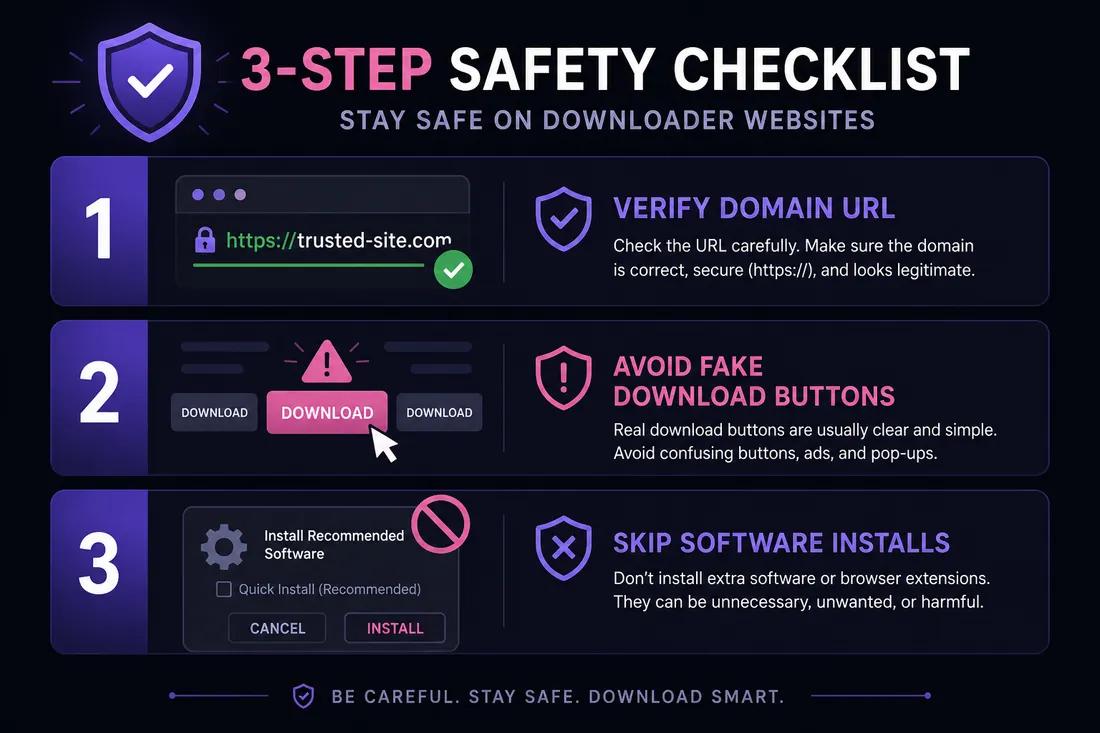
Multiple fake Download buttons
If the page shows several large Download buttons before you paste a URL, they are often ads. A legitimate tool usually has one clear input field first.
- 2
Prompts to install software
You should not need a desktop app or browser extension to save a public video link. Be cautious if a site pushes an installer.
- 3
Wrong domain spelling
Check the URL carefully. Clone sites use names like y2mate.com variants with extra characters or different TLDs.
Y2mate vs ClipSaver
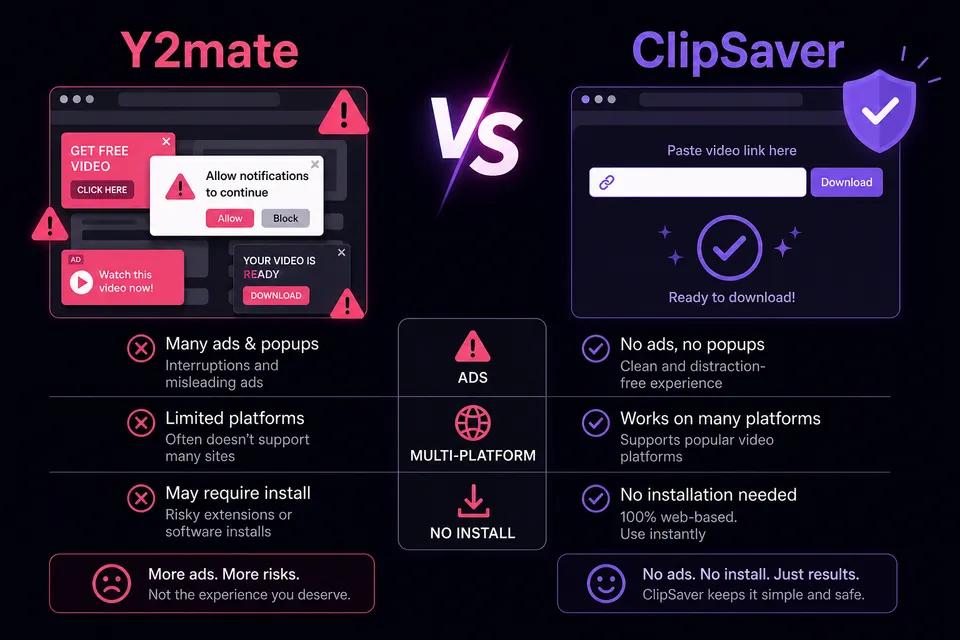
| Feature | Y2mate | ClipSaver |
|---|---|---|
| Runs in browser | Yes | Yes |
| Software install required | Sometimes promoted | No |
| Ad-heavy interface | Often | Minimal |
| Multiple platforms | Mostly YouTube | YouTube, TikTok, Instagram, Facebook, X |
| Account required | No | No |
| MP4 and MP3 | Yes | Yes |
Try a browser-based alternative
Paste any public video link on ClipSaver — free, no install, supports YouTube, TikTok, Instagram, and more.
Open ClipSaverHow to Download Videos More Safely
- Use the official site URL — type it yourself or use a bookmark, not a random search result.
- Do not click the first large Download button if you have not pasted a URL yet.
- Skip browser extensions and desktop installers unless you fully trust the source.
- Only download public content you have the right to save.
- Prefer a single, clean interface without misleading download buttons.
ClipSaver’s YouTube video downloader when you want a straightforward copy-link-and-save workflow without navigating ad traps.
The Bottom Line
Y2mate is widely used, but “is Y2mate safe?” does not have a simple yes-or-no answer. The download function may work, yet ad clutter, clone sites, and misleading buttons create real risk — especially for less technical users. If you want a free, browser-only option that supports multiple platforms, ClipSaver is a practical alternative. Always download content you are allowed to save and avoid sites that push unnecessary software.
Frequently Asked Questions
Related download tools
ClipSaver is not affiliated with Instagram or Meta. Only download content you have the right to save.