The Short Answer
Downloading YouTube videos is not automatically illegal — context matters. If you own the video, have written permission from the rights holder, or the content is in the public domain or under a license that allows downloading, you are generally on safe ground. Downloading someone else’s copyrighted content without permission — such as chart music, movie clips, or full TV episodes — is typically not allowed under copyright law or YouTube’s rules.
ClipSaver is a tool. How you use it is your responsibility. This article is general information, not legal advice.
When Downloading YouTube Videos Is Usually Legal
- You uploaded the video yourself and want a backup copy.
- The creator explicitly allows downloads (e.g. a Creative Commons license shown on the video).
- The content is in the public domain with no active copyright restrictions.
- You have written permission from the copyright owner for offline use.
- You are downloading for a permitted purpose such as fair use in some jurisdictions — but fair use is narrow and case-specific.
When Downloading Is Usually Not Allowed
- Copyrighted music videos, movies, sports highlights, or TV clips you do not own.
- Content from major labels or studios unless the uploader clearly has distribution rights.
- Videos marked “all rights reserved” with no download permission.
- Re-uploading someone else’s video as your own after downloading.
- Commercial use of downloaded content without a license from the rights holder.
What YouTube’s Terms of Service Say
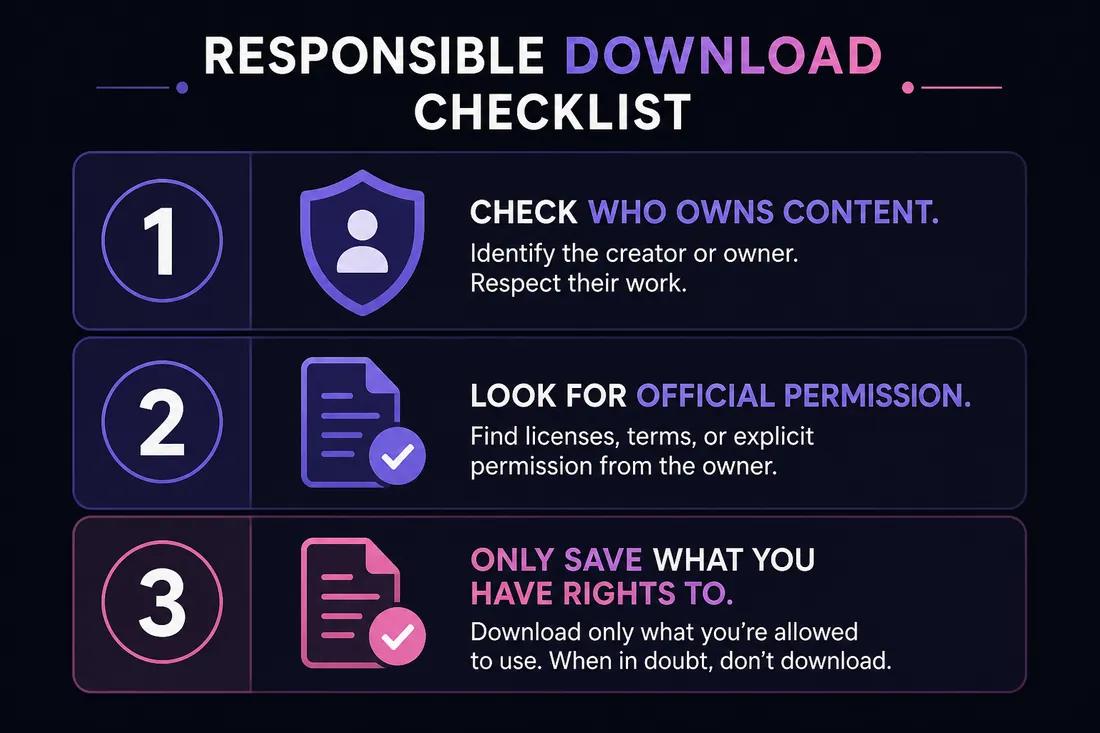
YouTube’s Terms of Service generally prohibit downloading content unless a download button or link is provided by YouTube on that specific video (for example, some videos offer official downloads). Using third-party tools to rip streams typically violates YouTube’s terms, even when copyright law might allow a specific use in your country. YouTube may restrict accounts that abuse its platform rules.
Legal Use vs YouTube Premium Offline
| Situation | YouTube Premium offline | Third-party download (ClipSaver) |
|---|---|---|
| Allowed by YouTube ToS | Yes — inside the app | Generally no for most videos |
| Gives you an MP4 file | No | Yes |
| Your own uploaded videos | N/A | Backup use is commonly accepted |
| Copyrighted content without permission | Limited offline in app | Not recommended |
| Creative Commons / public domain | May still follow ToS limits | Often acceptable with proper license |
How to Download YouTube Videos Responsibly
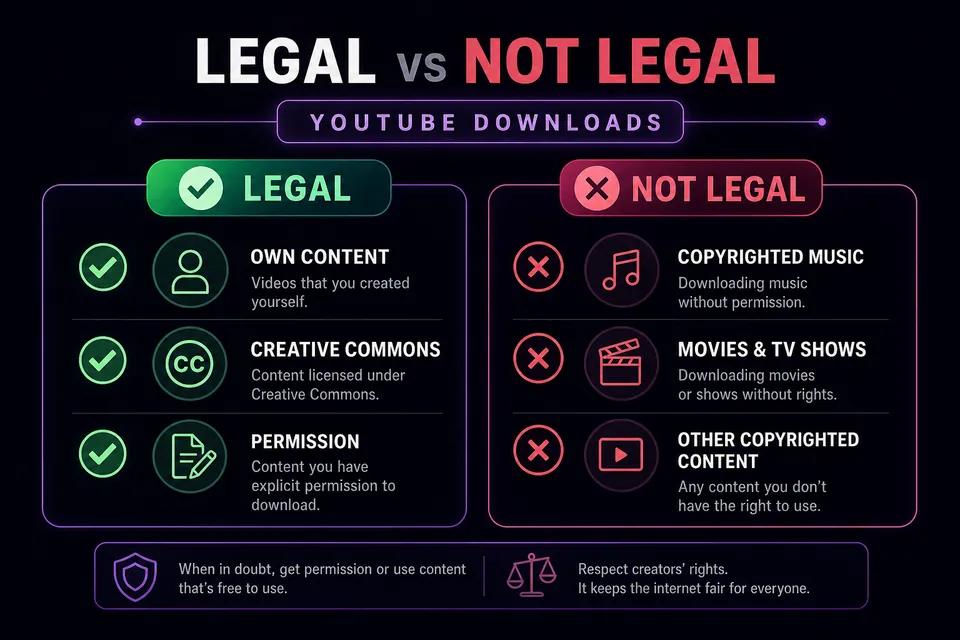
- 1
Check who owns the content
If you did not create it, assume someone else holds the copyright unless the video page shows a Creative Commons or similar license.
- 2
Look for official download options first
Some creators enable downloads on their own videos. YouTube Premium offline viewing is another ToS-compliant option for personal viewing inside the app.
- 3
Only save what you have rights to
If you need content for a project, get permission or use royalty-free sources. ClipSaver should be used for content you are allowed to save.
Download videos you have rights to
Paste a link for your own uploads or permitted content — free in your browser.
Open YouTube Video DownloaderDoes the Law Vary by Country?
Yes. Copyright exceptions like “fair use” in the United States or “fair dealing” in the UK and Canada depend on purpose, amount used, and effect on the market. What is permitted for education, commentary, or parody in one country may not apply elsewhere. When in doubt, consult a qualified attorney in your jurisdiction.
The Bottom Line
Downloading YouTube videos is legal in many cases where you own the content or have clear permission. It is risky when you download copyrighted material you do not have rights to — regardless of which tool you use. ClipSaver is intended for personal, lawful use with public content you are authorized to save. Respect creators, check licenses, and when unsure, do not download.
Frequently Asked Questions
Related download tools
ClipSaver is not affiliated with Instagram or Meta. Only download content you have the right to save.